


Frequently Asked Questions
Browse answers by topic.
ProGrade Digital creates products for professional cinematographers and photographers. We deliver the highest quality products and the fastest cards and readers in the market. Beyond that we provide ease of mind to these professionals so they know they can rely on ProGrade Digital products for all their projects. Refresh Pro ensures the card will perform at its maximum capabilities similar to fresh from the factory. It also indicates the useful life remaining on the cards prior to a big shoot. Refresh Pro also enables you to perform a memory card firmware upgrade when needed to ensure that your card continues to work at its optimal performance.
From the day we started designing our cards and our readers, we built in capabilities to enable checking the health of the card, memory card firmware upgrade, and sanitizing it. Those capabilities are custom designed for our cards and readers in the controllers and firmware. We do not have control over how competitor's cards and reader's function. That is why our Refresh Pro software only works on our cards and through our readers.
Flash memory gets dirty as it gets used regardless of what brand it is. Every flash controller manages that flash to clean up flash when it must. But this house cleaning process that is called Garbage Collection (GC) could be triggered during your recording forcing your card to run slower as it is running in parallel and leveraging CPU resources inside the flash controller. This could cause recording to stop. In addition, with faster write speed requirements from the new cameras compared to some of the older cameras, the card dirtiness issue is exasperated that may not have been an issue on those older generation cameras. For example, an SD V60 card guarantees 60MB/s sustained write. If you had a camera that required 20MB/s, a dirty card may not trigger stoppage of video capture. But a new camera that may need close to 60MB/s requires that flash to be clean in order not to trigger the GC process while you are recording.
A quick format in a PC or in your camera does not actually sanitize the flash to its original factory format. Quick format clears the pointers for where the data for a specific picture or video clip is stored on your cards. Because of that, you can always recover the data with ProGrade Digital's Recovery Pro software if you accidentally have done a quick format. Refreshing (sanitizing) a card does a deep level format of the memory cells and after that the data is never recoverable.
A long format, which is also called low level format on your Windows environment is similar in capabilities to sanitize. However, as the name indicates, it is long especially on larger card densities. It could take over an hour to do a long format on a 1TB card while Refresh Pro does it in less than a minute. On Mac OS, you can do a secure format level 2 to accomplish the same thing as sanitize. But again, it takes a long time to perform that task compared to Refresh Pro and formatting on a computer will not report the useful life left on a card.
No data can be recovered after it has gone through the sanitize process.
Once you have placed an order for your free Refresh Pro subscription, our system will send an email to the email address you provided with the link to download, and your license key.
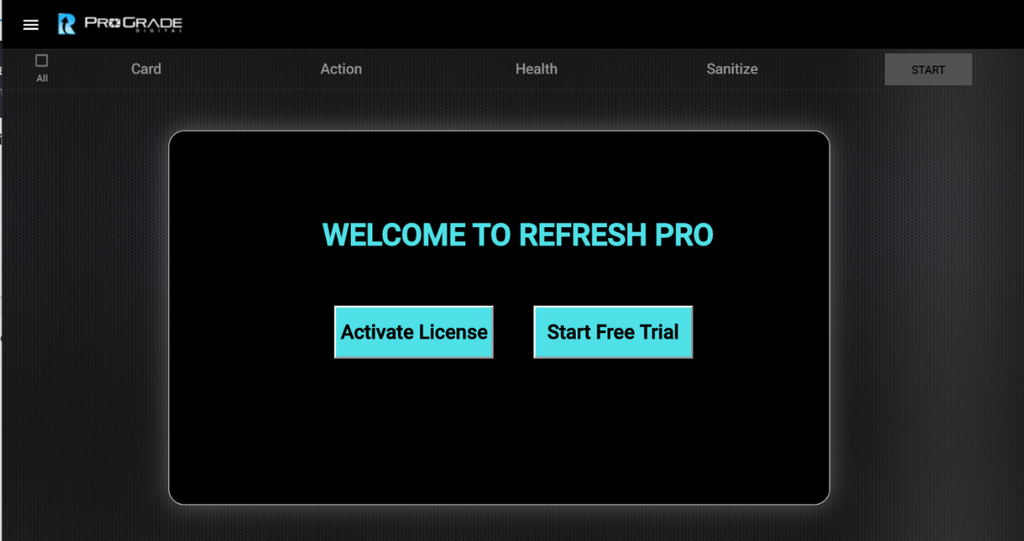
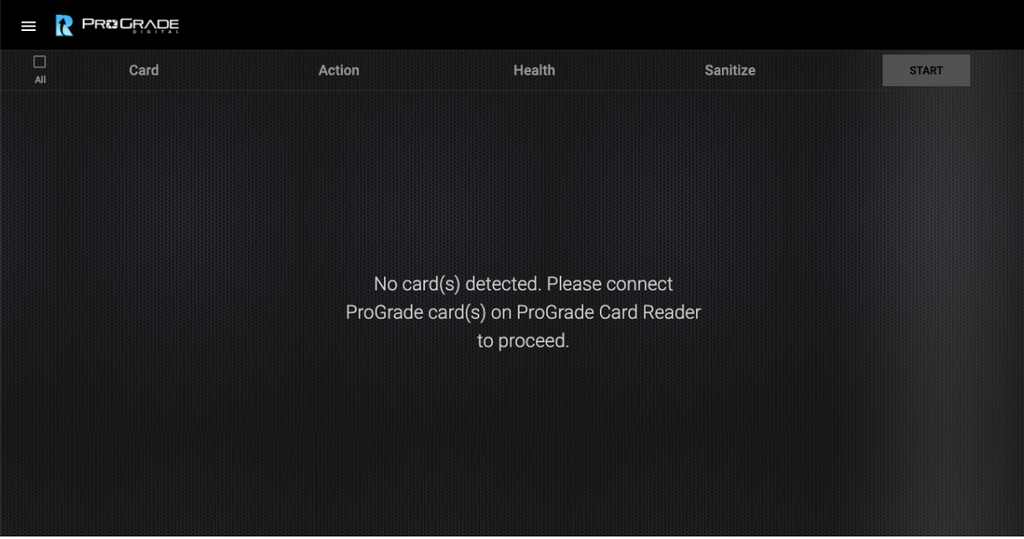
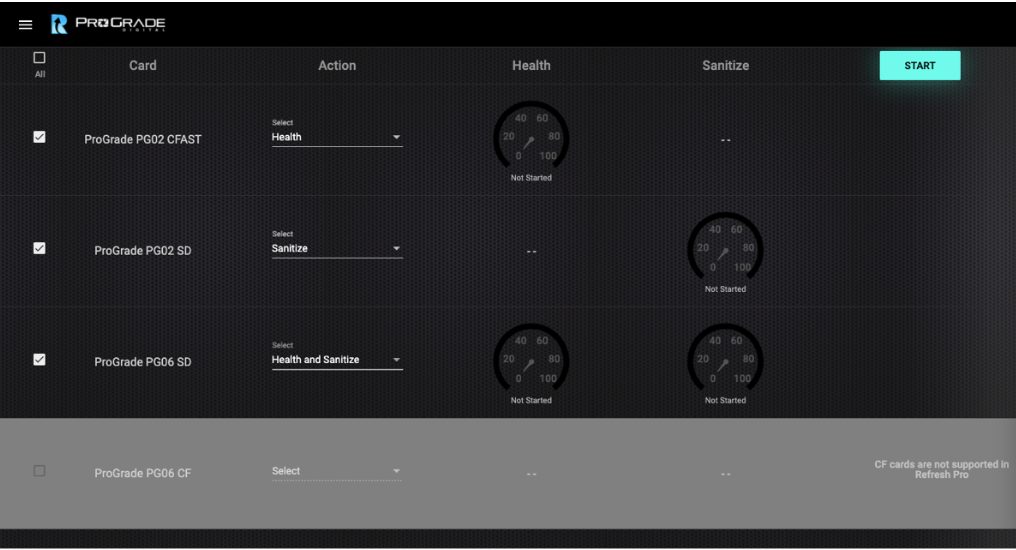
Refresh Pro Software 4.0 Interface
Quick Glance Screenshots
Questions before you buy?
Our support team is here!
Call
USA: +1 877 219 0203
Worldwide: +1 408 708 9290
Support Hours: Monday to Friday
9:00am - 5:00pm PT
One of our team members will get back to you within 24 business hours
Get the Latest News on Products and Promotions
Subscribe to the ProGrade Digital newsletter and get a 15% discount on your first order.
(Watch your email for a 15% off coupon code)