


Frequently Asked Questions
Browse answers by topic.
If you accidentally unplugged the Source or Destination, try redoing the transfer, as Ingest Pro will pick up where it left off (see duplicate detection). In all other cases, check the Transfer Log (hint: clicking the transfer status will open the Transfer Log).
Ingest Pro will prevent your computer from going to sleep while transfers are still running.
Transfer Logs are nothing more than a receipt and are also always saved locally on the machine that did the transfer, so it's safe to delete them. Media Hash Lists can also be deleted safely.
Some people who previously used Finder to copy data have a habit of comparing folder sizes to determine if a copy was successful. Besides this being a flawed method as it doesn't show file corruption, it also produces a lot of false positives. For multiple reasons, folders might contain different file amounts or sizes. Possible contributors may include: Ingest Pro doesn’t copy hidden system files (e.g. .DS_Store, .Trash, Spotlight, Time Machine files, etc.). Transferring files between different file systems (e.g. from ExFAT to APFS) can result in different sizes due to block size differences. Some extended file attributes couldn't be transferred during a transfer between different file systems. The operating system may create extra attributes on certain files during a transfer.
No. Ingest Pro only transfers files and any associated metadata to the volumes you specify as a Source or Destination in-app, nowhere else.
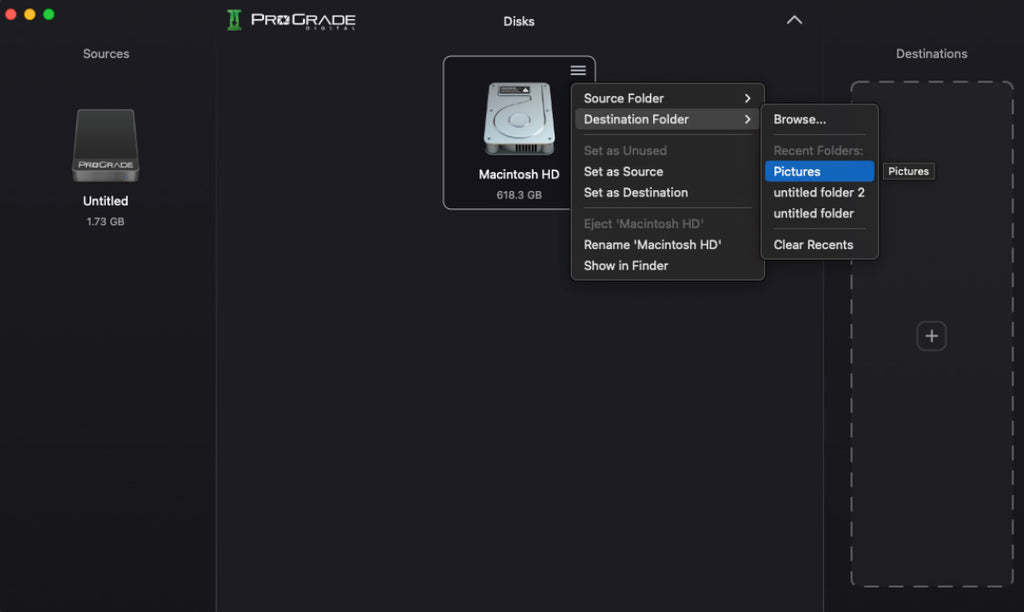
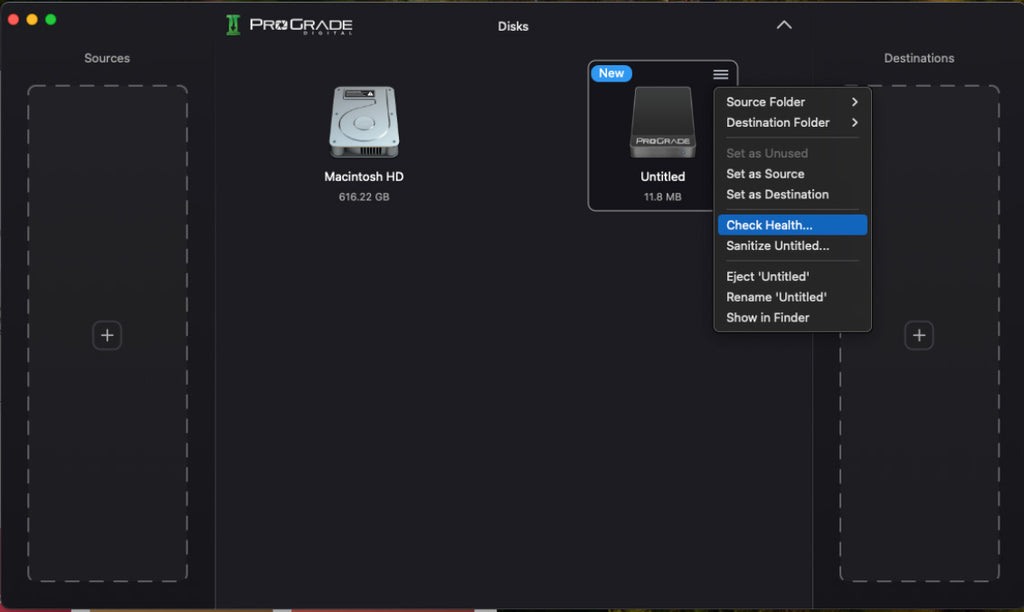
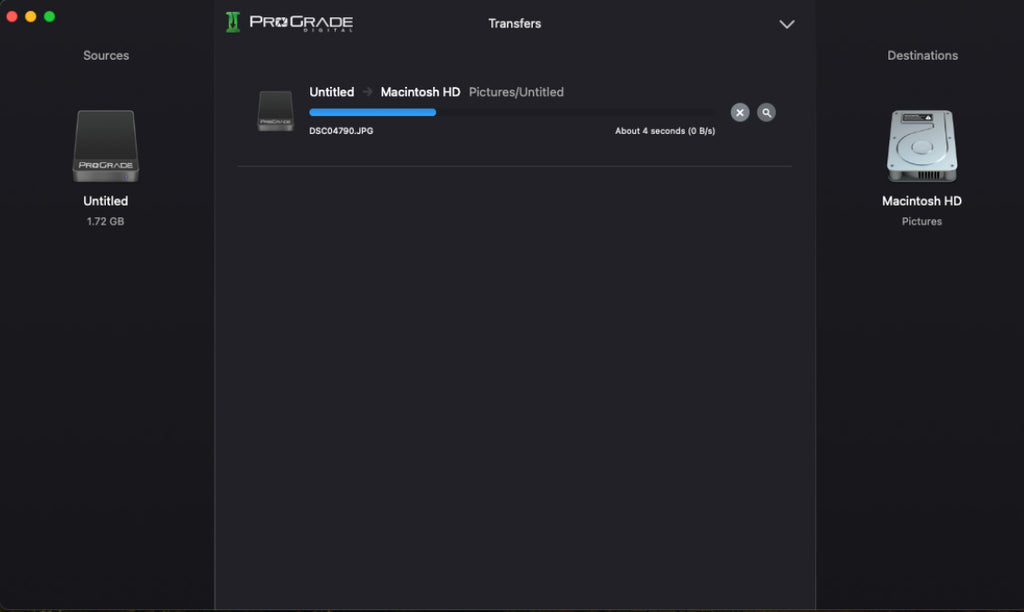
Ingest Pro Software (Discontinued) Interface
Quick Glance Screenshots
Questions before you buy?
Our support team is here!
Call
USA: +1 877 219 0203
Worldwide: +1 408 708 9290
Support Hours: Monday to Friday
9:00am - 5:00pm PT
One of our team members will get back to you within 24 business hours
Get the Latest News on Products and Promotions
Subscribe to the ProGrade Digital newsletter and get a 15% discount on your first order.
(Watch your email for a 15% off coupon code)